


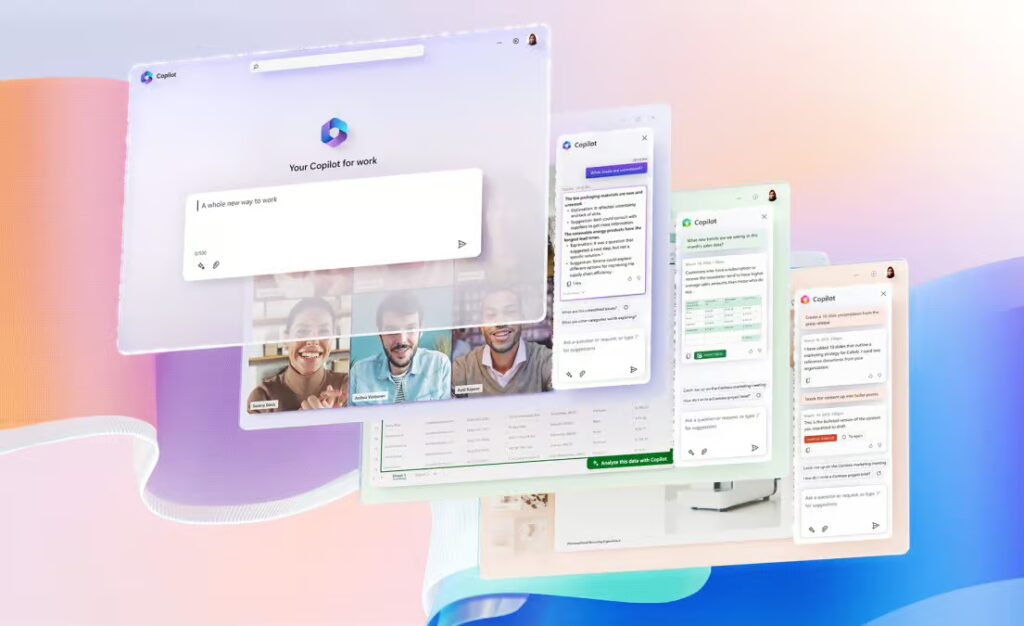
Executive Summary: Enhancing Accountability with Microsoft Copilot in Teams
The video highlights a common business challenge: meetings often conclude with critical questions left unanswered. It then shows how Copilot can be used after a meeting to capture all open questions. By analyzing both the meeting chat and the transcript, Copilot cross-references the entire conversation to identify every query that was not resolved. It then generates a concise summary of just these open items, making follow-up clear and simple.
For your organization, this capability directly translates to increased accountability and reduced risk of oversight. It ensures that no important question—whether from a client, a partner, or a team member—is overlooked. By systemizing the capture of unresolved issues, Copilot helps your teams ensure that everyone gets the answers they need, leading to more thorough project management, improved clarity, and better-informed decision-making across the board.
——————————————————————————–
Frequently Asked Questions (FAQ)
Q1: What specific function of Copilot is demonstrated in the video? A: The video shows how you can ask Copilot, “what are the open questions?” after a meeting. Copilot will then provide a summary of all the questions from the meeting that were not answered.
Q2: How does Copilot find these unanswered questions? A: Copilot performs this task by cross-referencing the content from both the meeting chat and the full meeting transcript to identify any open loops in the conversation.
Q3: What is the primary business benefit of this feature? A: The main benefit is ensuring comprehensive follow-up. It creates a clear list of outstanding items, which helps teams make sure everyone gets the answers they need, preventing important details from being missed and enhancing overall accountability.
