


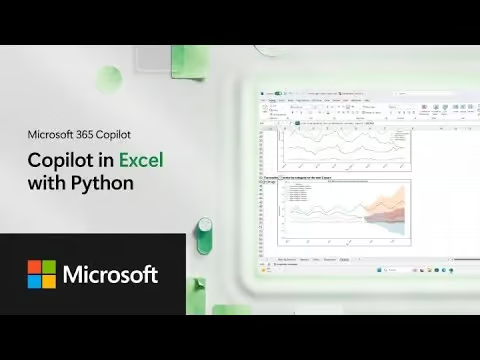
Microsoft 365 Copilot in Excel with Python
This video showcases a powerful fusion of Copilot and Python within Excel, offering business executives and decision-makers unparalleled capabilities for advanced data analysis and predictive modeling. This combination means that complex analytical tasks, traditionally requiring specialized data scientists or external tools, can now be performed directly within the familiar Excel environment.
Key applications for an organization or department include:
• Advanced Financial Forecasting: Copilot, powered by Python, can conduct advanced analysis for crucial tasks like annual revenue forecasting. It reasons over years of historical sales data, generates a clear plan for analysis, writes and runs Python code, and presents a quick, actionable picture of projected numbers. This empowers finance departments to quickly generate and validate forecasts, supporting strategic financial planning.
• Iterative Analysis and Refinement: Copilot doesn’t just provide a single answer; it prompts users to iterate and ask further questions about its work, acting as an intelligent analytical partner. This iterative process allows executives to refine assumptions, explore different scenarios, and deepen their understanding of the underlying data trends.
• Transparency and Control over Advanced Models: A significant advantage is the ability to view and edit the Python code directly within the Excel workbook. This level of transparency and control is critical for decision-makers who need to understand the methodology behind their forecasts and have the flexibility to customize models to specific business needs or regulatory requirements.
• Unlocking Deeper Insights and Visualizations: This integration allows for “advanced analysis” and the creation of “new visualizations,” providing a “wide variety of visualizations to utilize”. This helps users “dig deeper into the data, really finding that narrative in more clear fashion”, which is invaluable for presenting clear, compelling insights to leadership teams.
FAQ:
• What is the core advantage of combining Copilot with Python in Excel? The main advantage is the ability to perform advanced data analysis and complex calculations—like revenue forecasting—directly within Excel using Python, guided by natural language prompts from Copilot. This simplifies access to sophisticated analytical power.
• Can it help with financial planning and forecasting? Absolutely. It can analyze historical data to create plans and execute Python code for tasks such as forecasting annual revenue for future years, providing quick and immediately useful insights into financial projections.
• How does Copilot generate an analysis or forecast? Copilot first reasons over your data, then creates a plan for the analysis, writes the necessary Python code, and executes it. The results are then presented directly in your Excel workbook.
• Can our team customize or understand the underlying analytical models? Yes, a key benefit is that users can make any edits to the Python code itself directly in the Excel workbook. This provides transparency and control, allowing teams to tailor solutions to specific business requirements and validate the logic of the analysis.
• What kind of outputs can we expect from this integration? You can expect “advanced analysis” and a “wide variety of visualizations” that help in “digging deeper into the data” and finding clearer narratives, which is crucial for supporting leadership decisions with accurate insights.
